


Show us your Desktop....


Senior Member
Joined: May 2007
Posts: 775
From:
 RE: Show us your Desktop....
question how the hell are u guys taken pic of ur desktop? is there an software u can use or something becaue i cant figureout how to do it someone told me to press the printscreen/sysRQ buttom but it didnt work

Snail'n Admin
Joined: Dec 2006
Posts: 3,040
From: Don't worry about it
RE: Show us your Desktop....
ok, well depending on ur computer its a matter of 2 buttons. on my laptop i have a special button to press that says fn that is enclosed in a box. then i press the print screen button on the top right of my keyboard. If you are on a desktop, i used to press ctrl and the prt screen button. then you use a program like paint or photoshop and then go to edit, paste and wala theres your screen


HCF Member
Joined: Aug 2006
Posts: 2,536
RE: Show us your Desktop....
hahahha im waiting on sumone to have a " shemalevids" folder, kinda like what happened on HT sometimes last year lmao
here's mine, now i forgot to resize it so im sorry, and the funny named folders, are mp3's not vids, just to let you know lol
EDIT: i forgot to post the pic lol
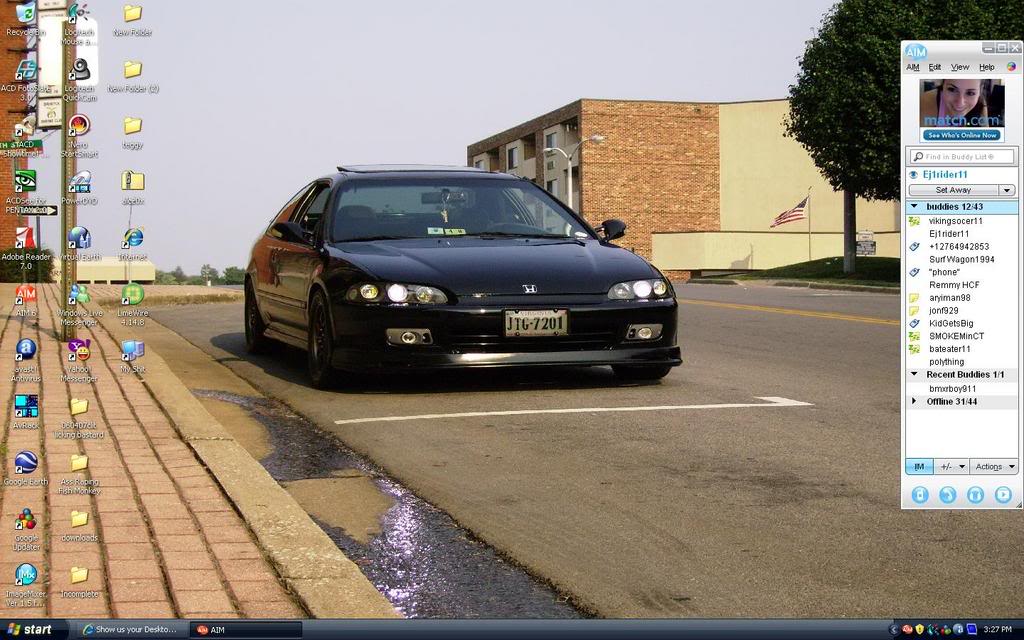
here's mine, now i forgot to resize it so im sorry, and the funny named folders, are mp3's not vids, just to let you know lol
EDIT: i forgot to post the pic lol

HCF Member
Joined: Nov 2006
Posts: 316
From:
RE: Show us your Desktop....

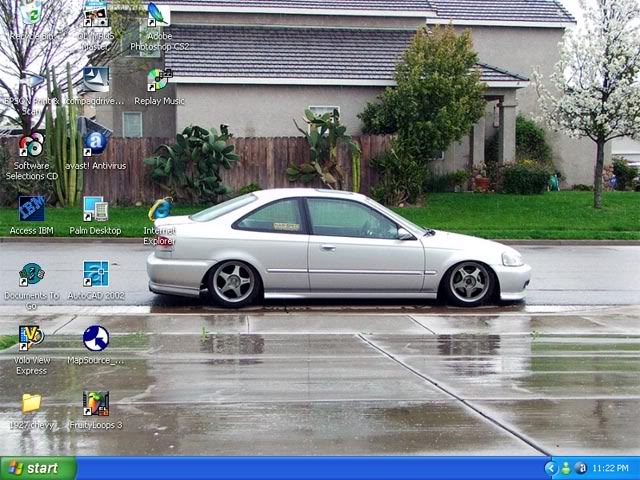


Joined: Apr 2007
Posts: 331
From:
RE: Show us your Desktop....
ORIGINAL: s2000gtx
question how the hell are u guys taken pic of ur desktop? is there an software u can use or something becaue i cant figureout how to do it someone told me to press the printscreen/sysRQ buttom but it didnt work
question how the hell are u guys taken pic of ur desktop? is there an software u can use or something becaue i cant figureout how to do it someone told me to press the printscreen/sysRQ buttom but it didnt work
http://www.gadwin.com/printscreen/
I like using screen cap progs cause you can adjust quality, have it auto save into any folder, and change what file format they save to among other things. This is one of the best free ones I've come across.

